

Adjusting the print size on canvas bag fabric is a crucial aspect of the production process, especially for a Printed Canvas Bag Fabric supplier like me. It can significantly impact the overall aesthetic and functionality of the final product. In this blog, I'll share some practical tips and methods on how to adjust the print size effectively.

Understanding the Basics of Print Size on Canvas Bag Fabric
Before diving into the adjustment methods, it's essential to understand the key factors related to print size. The print size refers to the dimensions of the printed image or pattern on the canvas bag fabric. It is determined by two main elements: the digital design file and the printing equipment settings.
The digital design file contains the image or pattern that you want to print. It usually comes in formats like JPEG, PNG, or AI. The resolution of this file is of utmost importance. A high - resolution file (300 DPI or more) ensures sharp and clear prints, while a low - resolution file may result in pixelated and blurry images, especially when the print size is large.
The printing equipment settings play a vital role as well. Different printing machines, such as screen printers or digital printers, have their own ways of adjusting the print size. For example, in digital printing, you can directly set the dimensions of the print area on the machine's control panel, while in screen printing, it may involve adjusting the size of the screen frame and the positioning of the fabric.
Methods to Adjust Print Size
Adjusting in the Digital Design Stage
One of the most effective ways to control the print size is during the digital design process. Here are the steps:
- Use Design Software: Tools like Adobe Photoshop or Illustrator are excellent for creating and modifying digital designs. Open your design file in the software.
- Resize the Image: In Photoshop, you can go to "Image" > "Image Size". Here, you can change the width and height of the image. Make sure to maintain the aspect ratio (usually by checking the "Constrain Proportions" box) to avoid distorting the image. For instance, if you want to increase the print size by 50%, you can enter the new dimensions accordingly.
- Check the Resolution: As mentioned earlier, a high resolution is crucial for good - quality prints. If you are increasing the print size, you may need to increase the resolution proportionally. However, be aware that some software may have limitations in upscaling an image without losing quality.
Adjusting on the Printing Equipment
Once you have the digital design ready, it's time to set the print size on the printing equipment.
- Digital Printing Machines: For digital printers, access the machine's control panel. Navigate to the print settings section where you can specify the width and height of the print area. You can either enter the exact dimensions in inches or centimeters or select a pre - defined size option. Some machines also allow you to preview the print layout on the screen to ensure it fits the canvas bag fabric correctly.
- Screen Printing: In screen printing, the process is a bit more hands - on. First, select the appropriate screen frame size. If you need to increase the print size, you may need to use a larger screen frame. Then, position the canvas bag fabric accurately under the screen. Use registration marks on the fabric and the screen to ensure precise alignment. You may also need to adjust the squeegee pressure and speed to ensure an even print across the larger area.
Considerations for Different Types of Canvas Bag Fabrics
Different types of canvas bag fabrics may require different approaches when adjusting the print size.
Cotton Jacquard Print Fabric
Cotton Jacquard Print Fabric is known for its intricate patterns and soft texture. When adjusting the print size on this fabric, pay attention to the fabric's stretchability. Since cotton has some natural stretch, it may cause the print to distort slightly if not handled properly. Make sure to stretch the fabric evenly during the printing process and adjust the print size accordingly to account for any potential stretching.
Spandex Sateen Digital Print Fabric
Spandex Sateen Digital Print Fabric has a high stretch factor due to the spandex content. This means that the print size needs to be adjusted carefully to avoid the print looking distorted when the fabric is stretched. When designing the digital image, consider the maximum stretch of the fabric and adjust the print size and proportions accordingly. For example, if the fabric can stretch up to 50% in width, you may need to design the image slightly narrower to account for the stretch.
Jacquard Solid Fabric
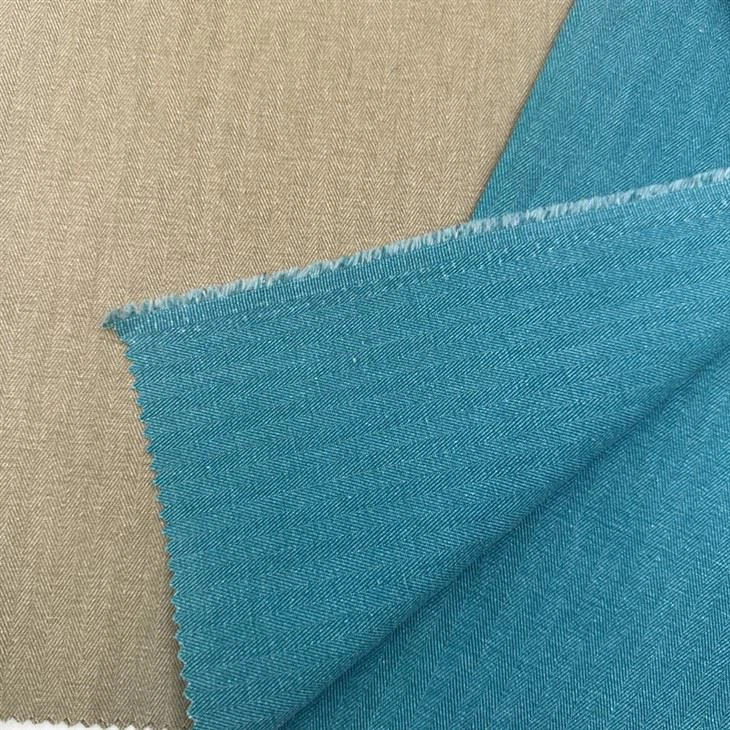
Jacquard Solid Fabric has a more stable structure compared to fabrics with stretch. However, its surface texture may affect the print quality. When adjusting the print size, ensure that the printing equipment can handle the fabric's texture. Some machines may require different settings for rough - textured fabrics to achieve a clear and even print.
Troubleshooting Common Issues
Even with careful adjustment, you may encounter some issues during the printing process.
- Print Distortion: If the print appears distorted, check the fabric tension. Uneven tension can cause the fabric to stretch or shrink during printing, resulting in a distorted print. Make sure the fabric is properly secured and stretched evenly on the printing table.
- Print Alignment: Misaligned prints can be a problem, especially when adjusting the print size. Use registration marks and alignment tools provided by the printing equipment. Double - check the positioning of the fabric and the screen or digital print head before starting the print.
- Print Quality: Poor print quality, such as blurry or faded prints, may be due to incorrect resolution settings in the digital design or improper settings on the printing equipment. Review the resolution of your digital file and adjust the printing parameters such as ink density, print speed, and pressure.
Conclusion
Adjusting the print size on canvas bag fabric is a multi - step process that requires careful attention to detail. By understanding the basics of print size, using the right methods in both the digital design and printing equipment stages, and considering the characteristics of different types of canvas bag fabrics, you can achieve high - quality prints with the desired size.
As a Printed Canvas Bag Fabric supplier, I'm always committed to providing the best solutions for my customers. Whether you are a small - scale crafter or a large - scale manufacturer, I can offer you high - quality canvas bag fabrics and professional advice on print size adjustment. If you are interested in purchasing our Printed Canvas Bag Fabrics or have any questions about print size adjustment, feel free to contact me for further discussion and procurement negotiation.
References
- Adobe Photoshop User Guide
- Screen Printing Manuals
- Digital Printing Machine Manufacturer's Documentation